9. Root your device with a patched boot image
Preparation before rooting Installed the phone driver on the computer Installed the Magisk App on the device Downloaded and patched the boot image with the Magisk App Installed the SDK on the computer The device has unlocked the Bootloader Use the patched boot image to root your device 1.Root your device with the patched...

6. Download Magisk Zip 30.0 (Magisk Manager) Latest Version 2025
Magisk Zip is a swipeable file for installing Magisk Root on Android phones . It is possible to install/flush this Magisk Zip 23.0 latest version using custom recovery ( TWRP ). We recommend you to use TWRP Recovery to install Magisk.

5. Download Magisk App v30.0(Magisk Manager) Latest Version 2025
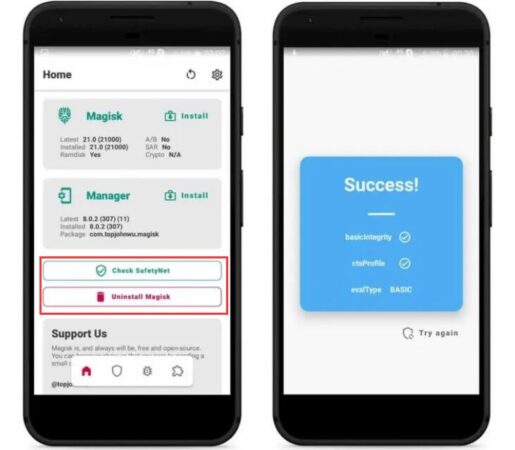
Magisk App helps us to manage Root inside the app.You can use this app to allow or deny root privileges to any Android app. With Magisk App you will find many useful Magisk modules that you can use directly from the app...

4. Features of Magisk
Magisk is so feature-rich and has so much to boast about to the extreme that we can't summarize every single feature because of its comprehensive list. However, we have tried to provide all the important factors that make Magisk so different from other software. Free and Open Source In a typical scenario, Roo...
3. What is Magisk App (Magisk Manager)?
What is the Magisk App (Magisk Manager)? To be clear, its a root permissions manager developed as a component of the Magisk Zip download. It allows you to grant a large number of excellent Magisk modules, or as some of you call them...
2. What is Magisk?
Magisk is an excellent Root tool to Root Android devices and it is the most secure solution in the market. No one in the Android root industry has ever changed or modified the system partition of a device during rooting except Magisk. It will be in the boot partition...

