AudioRecorder XS
The most powerful call recording plugin for iOS. Supports iOS 12 - 17.5
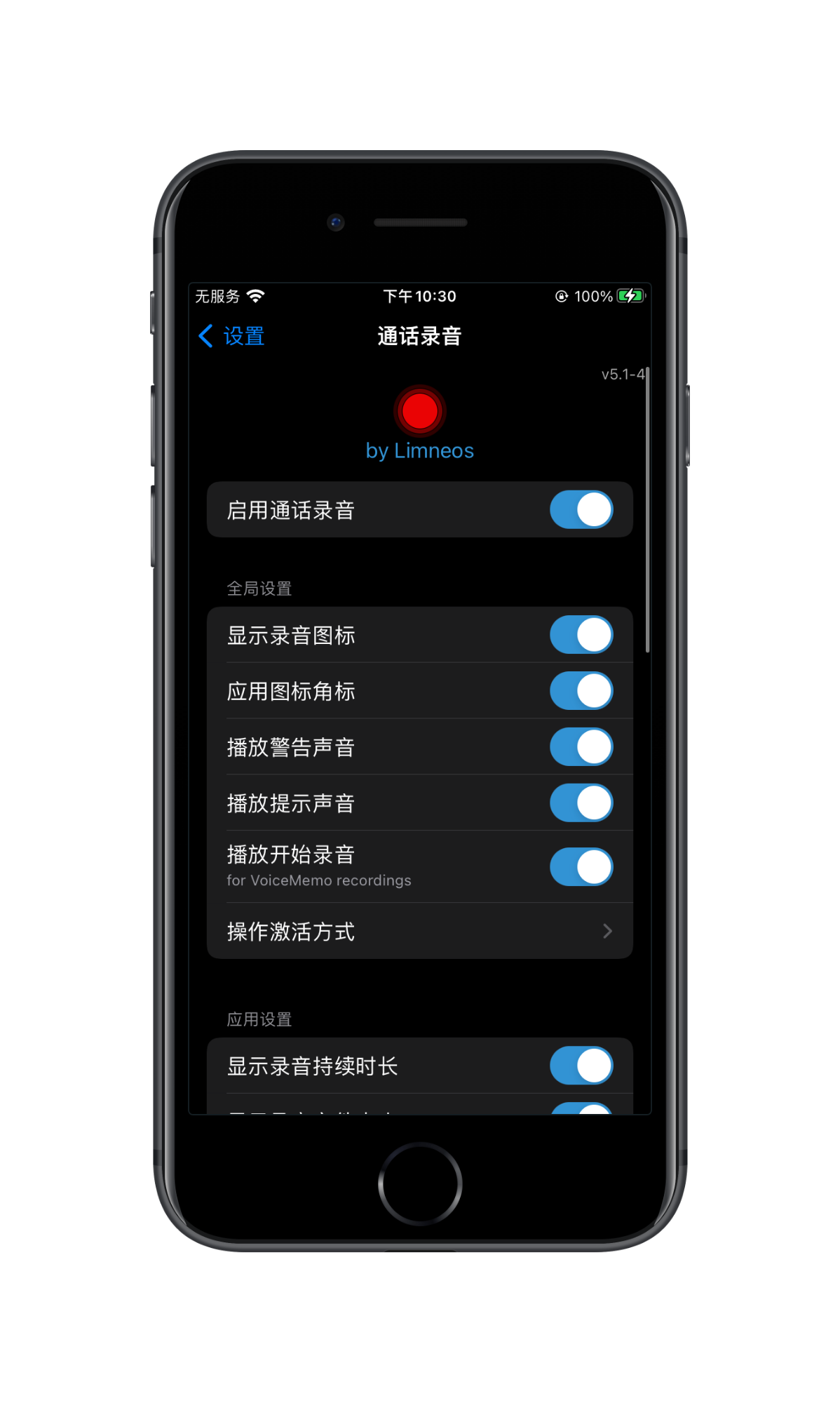
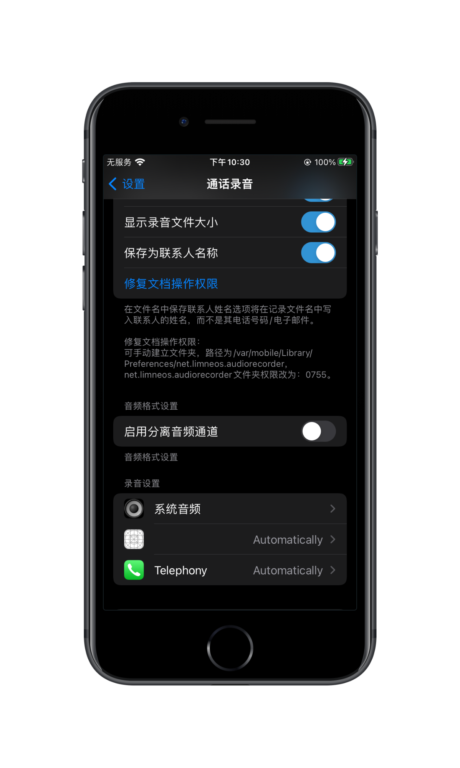
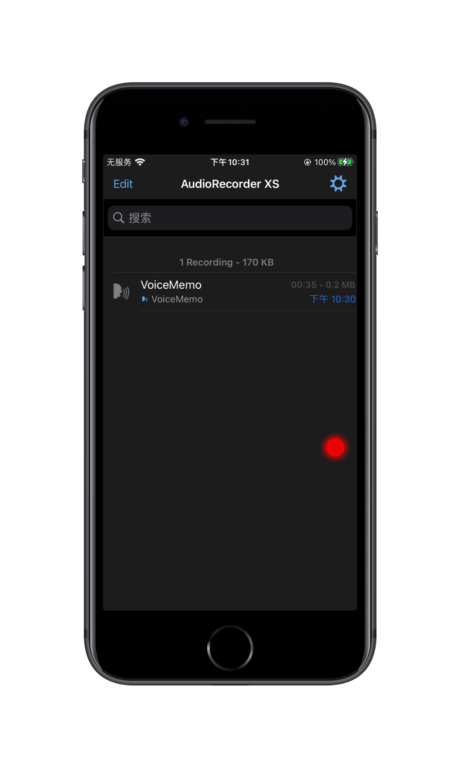
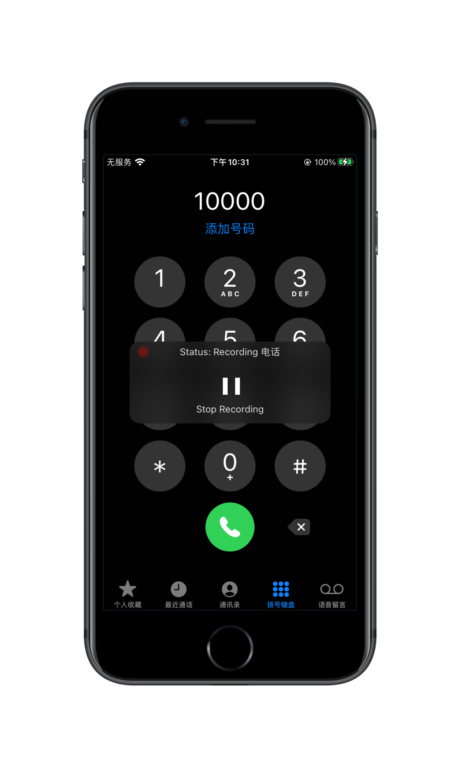
The strongest iOS call recording tool is back!
Audio Recorder XS --The highly anticipated iPhone sharpener, now on the scene, proves that anything is possible!
This is the first and most powerful call recording app for iOS!
Version Updates:
- Dozens of powerful features have been added:
- Supports recording from any CallKit service (Phone, WeChat, FaceTime, Skype, Viber, Messenger, Tango, LINE, BOTIM, Instagram, etc.)
- Voice memo recording: Record voice memos through the device microphone, support instant activation
- System Audio Recording: Record all sounds output by the device ("what you hear")
- Automatic synchronization of recordings to Dropbox or Google Drive accounts
- Assign automatic recording to contacts
- Multi-recording sharing (compress and share)
- Support for sharing recordings with all apps on your device
- Send recordings via email, iMessage, or all supported apps on your device
- Easily copy all call recordings from your cell phone to your computer via web browser
- Customize the activation method to bring up the recording screen
- Manage recording automation by application
- Improved player and built-in visualization tools for recording playback
- Edit recordings! Cut, insert mute, add reverb, equalizer, fade in/out and more!
- Set the recording directly to the device ringtone
Feature Highlights:
- Record regular phone calls directly on your iPhone!
- Record WeChat, FaceTime audio/video calls, Viber, Instagram, Skype, Facebook Messenger, Tango or LINE calls or video calls (audio portion), as well as system audio on any device! (songs, websites, etc.)
- Support for all iOS 12 and aboveUnc0ver,Chimera,Checkra1n,Odyssey,Taurine,Dopamine,Palera1nand other tools to jailbreak the device
- Audio Recorder XS doesn't need to use a remote server to record calls, unlike other apps that go through a curveball. It records directly on the device! No internet connection is required to record phone calls.
With Audio Recorder, you can record calls that you need to listen to later, such as business calls, appointment scheduling, etc. and store them on your iPhone. Afterward, you can play them, send them to an email or Dropbox or Google Drive folder, or delete them.
Experience the most advanced call recording tool right away and enjoy unrivaled recording features and convenient operation experience!
Important Reminder:
- You can choose to automatically notify the other party that the call will be recorded when the recording begins. It is your responsibility to enable or disable this feature in accordance with the laws of your country and to ensure that the other party is notified.
- Legal Disclaimer: Although Audio Recorder can automatically notify the other party that it is recording, please note that in many countries it is illegal to record without their consent. Please be sure to comply with the laws of your country before using this application. If the application fails to play a recorded notification message or the other party does not hear the message due to signal problems, you are still responsible for notifying and obtaining the other party's consent as required by the laws of your country or the other party's country.
- The developers, distributors are not responsible for any laws you may break by using this application.
Use of this application indicates your acceptance of the above terms.
It's the first iOS call recorder, and it's long awaited, finally!
Tutorials
Troll Edition
Flashback can try to shut down and restart from the background
jailbreak version
- leave for Jailbreak Software Source Collection List locate extraterrestrial source Add it to Cydia / Sileo Jailbreak Store
- Search for AudioRecorder in Cydia / Sileo and install it.
- Go to Settings and find the AudioRecorder option (usually at the bottom of Settings above the user's own app)
- In the settings, you can enable the recording function master switch, set the recording shortcut keys (default is double-tap on the status bar, left and right swipe), and set the automatic recording for the app individually (default is start recording manually).
- Some versions may require a restart of SpringBoard or a restart of userspace for the settings to take effect.
History Updates
- v5.0-2
- Add support for iOS 15 and iOS 16
- Support for Dropbox has been restored
- v4.0-1
- Add an audio editor to edit, crop, fade in and out, mute and apply various effects to recordings
- Add the ability to import audio files from other applications system-wide to AudioRecorder.
- Add the ability to set any recording as a ringtone
- Add a share action to set any audio file as a system-wide ringtone
- Add export options. You can export AudioRecorder recordings to applications like VoiceMemos and vice versa!
- Fixed icon issue in playback view in lock screen
- v3.7-41
- Fixed Google Drive consent screen being blocked
- v3.7-40
- Fixed crash when compressing multiple recordings
- Removed dependency on Substrate to fix jailbreak crashes
- Added option to include recordings in iCloud/iTunes backups or not
- v3.7-2
- Fixed Google Drive synchronization issue
- Fixed file time error display issue
- Fixed the issue that recordings can be backed up in iTunes/iCloud backups
- Default option to store contact names in file names
- Added dark color mode support
- Fixed the issue that records could not be deleted when searching
- Fixed crash when switching to speakers while playing a recording
- Added spectrum analyzer option
- Fixed the application where the system audio recording status was displayed correctly
- Fixed Messenger video recording crash issue
- Fixed the problem that the play/pause button could not be touched
- Added background audio playback and lock screen/control center controls
- TODO: Finish adding the audio file editor
(Parts omitted...)
- v3.0-20
- Added auxiliary VoiceOver feature to playback table cells

