
6z IntzCell Phone ChannelNovember 16, 2011 - Apple pushed the third beta of iOS 16.2 to developers this morning, and Apple has added a new option for the all-day resting screen display feature on iPhone 14 Pro models.
There are now two switches to disable wallpaper and notifications when Always On is active. These options can be accessed by opening the Settings app, selecting Display and Brightness, and then going to the Always On section.
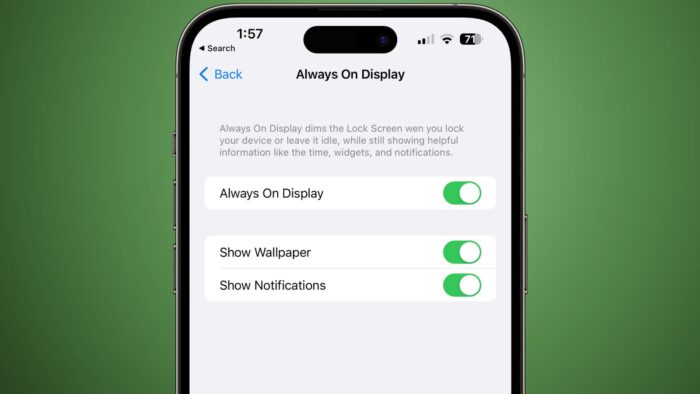
When you enable Always Display, turning off Display Wallpaper will no longer show your wallpaper, while turning off Notifications will prevent notifications from showing, and only the time and widgets will remain if you have widgets installed on your lock screen.
The added options provide a simpler always-on display interface for those who want a more minimalist look, while also saving some battery life.



