It depends on your situation; if your computer is more than four years old, it's likely that most of the parts are too old, slow, or incompatible for your new machine. On the other hand, if you're upgrading from a fairly new machine, you may be using many of the parts. All of this assumes that the old computer will no longer be used. If you or anyone else is going to continue to use your old computer, it's best to leave it as is.
One important point - if you're selling an old computer, it's a good idea to erase the hard drive before handing it over to the new owner. Special precautions must be taken to ensure that you don't compromise your sensitive or personal information. Don't forget that a simple "delete" command won't actually erase the data on the hard disk. The original data will still be there and can be recovered later by someone else using a special program and/or device. To avoid this, programs can effectively "shred" your data, making it unrecoverable. The driver diskettes or CDs that come with some hard drives may also have programs that write zeros or ones to the entire drive. Less technical methods include drilling a few holes in the drive or spraying holes with a blowtorch. Obviously, either prevent it from being used again (planet friendly, try to avoid this).
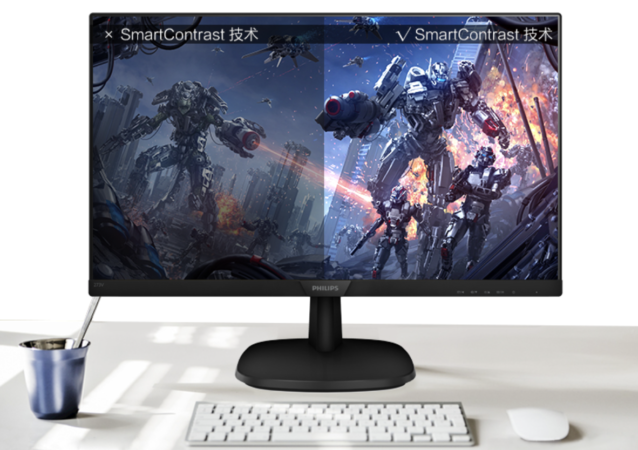
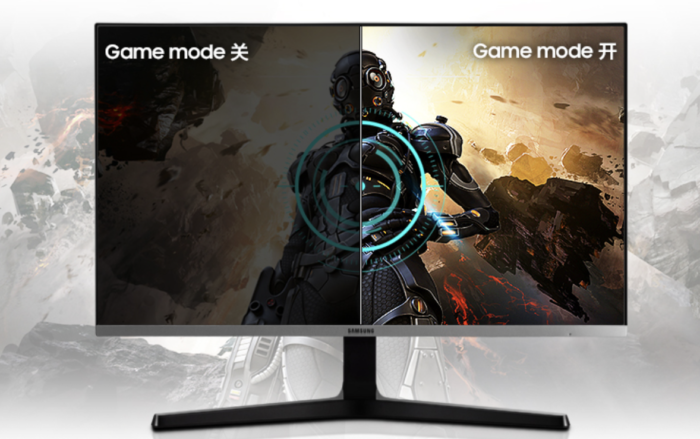
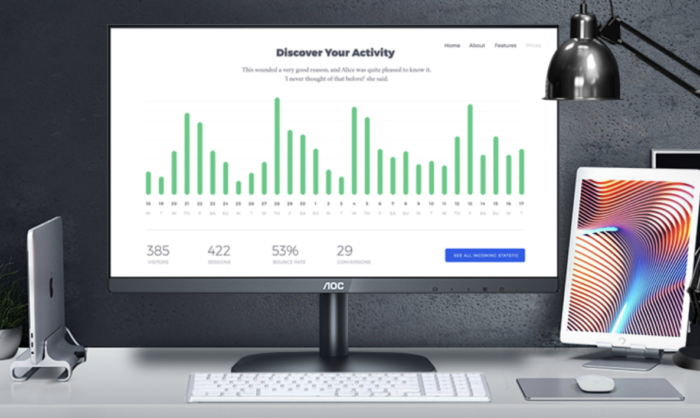
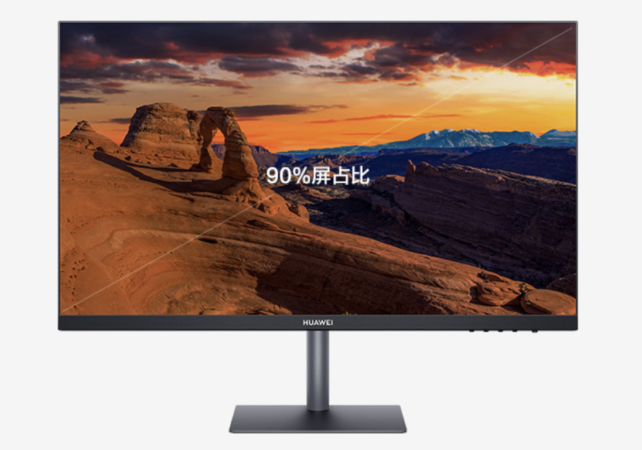
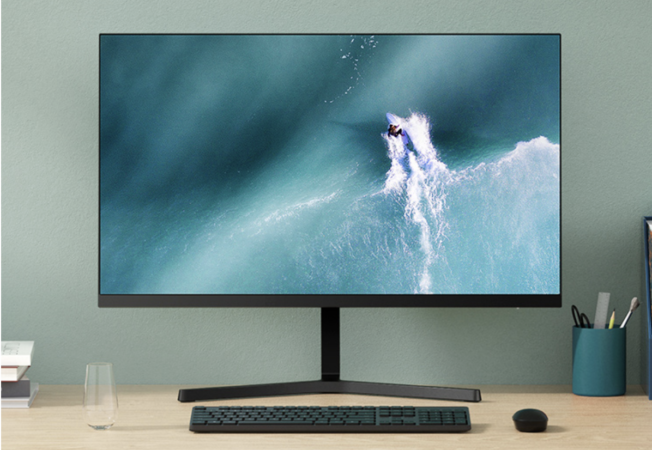
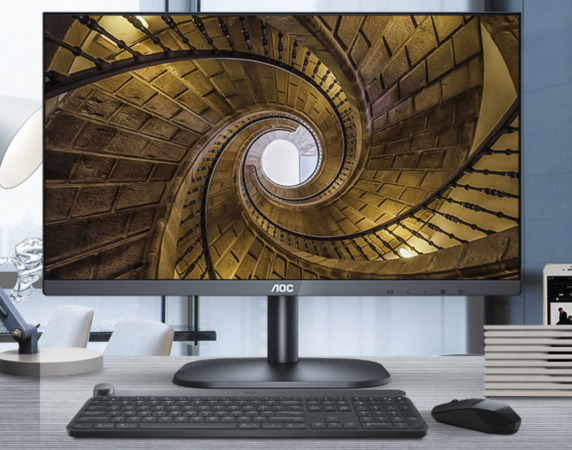
Because monitor technology is slow to evolve, you can keep your current monitor and use it on your new computer if it is large and sharp enough for your work. The same goes for the keyboard, mouse, printer, scanner, and possibly the speakers. Internally, you can take out the floppy disk drive, the CD-ROM drive, and also the sound card and hard disk drive (depending on how good they are, of course). Sometimes old computers get so much use that the line between an upgrade and a new computer gets blurred.
Reusing a hard drive is an easy way to save data from an older computer. With most Windows operating systems moving the boot drive from one motherboard to another, a series of reboots and installation of new drivers will be required. Back up your data before attempting this, and be aware that Windows will often ask you to reactivate. Have your license key ready.